Gamecord




About
Gamecord is a collection of games for your Discord bot.
This library was made as a replacement for discord-gamecord which is unmaintained (and partially broken) and has no TypeScript support. While the game options are mostly similar, this library offers more features to customize and handle your games. Also, this module does not contain all games from the original.
The module supports both slash commands and message commands!
Installation
Node.js 22 or newer is required.
npm install @voctal/gamecordDocumentation
You can find the docs here: https://docs.voctal.dev/docs/packages/gamecord/stable
If you need help, ask on our support server.
Example usage
const { Game2048 } = require("@voctal/gamecord");

const game = new Game2048(interaction, {
    embed: {
        title: "2048",
        color: 0x5865f2,
    },
    notPlayerMessage: game => `Only ${game.player} can use this menu.`,
    timeout: 60_000,
    emojis: {
        up: "🔼",
        down: "🔽",
        right: "▶️",
        left: "◀️",
    },
});

game.on("error", err => console.error("Error!", err));
game.on("gameOver", result => console.log("Result:", result));

await game.start();
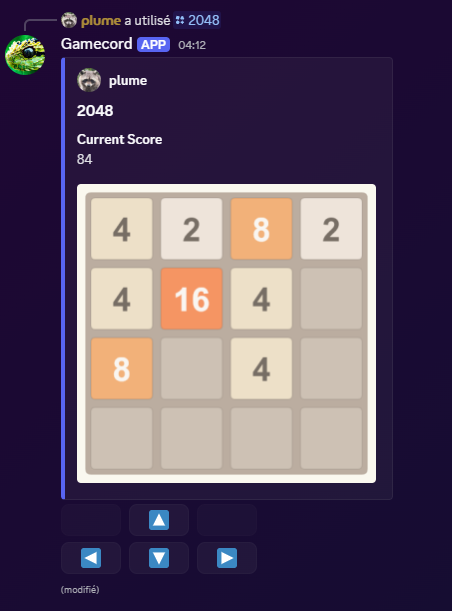
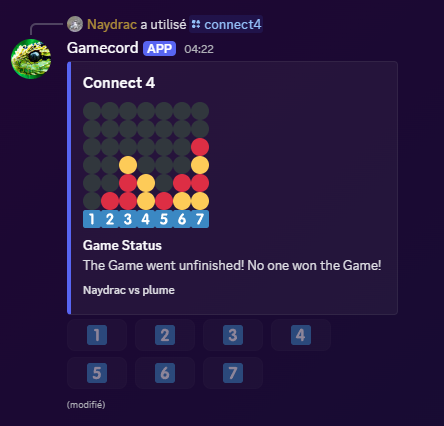
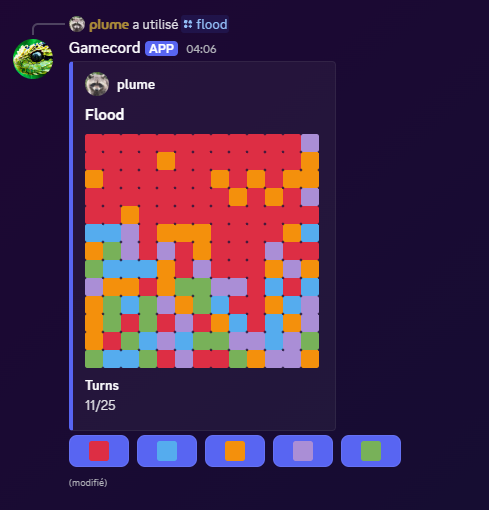
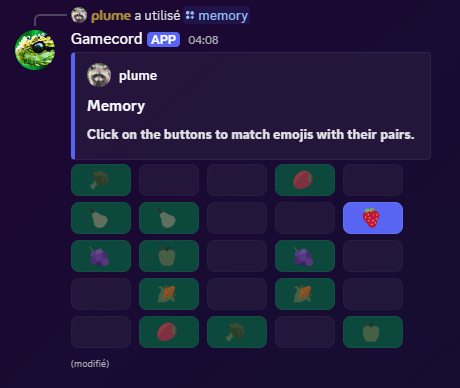
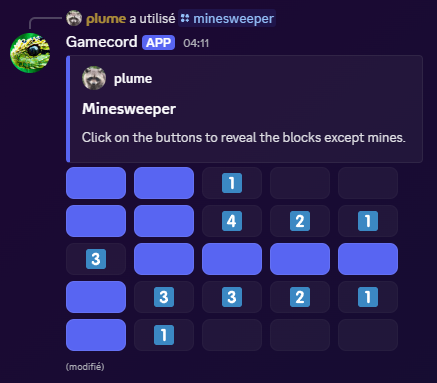
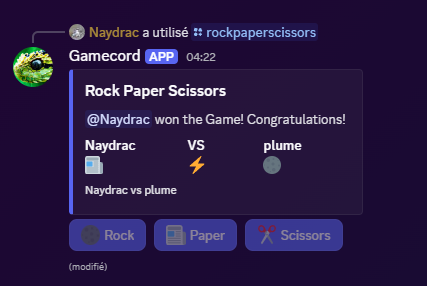
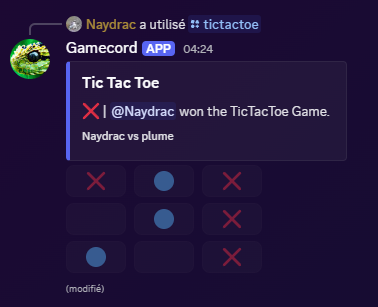
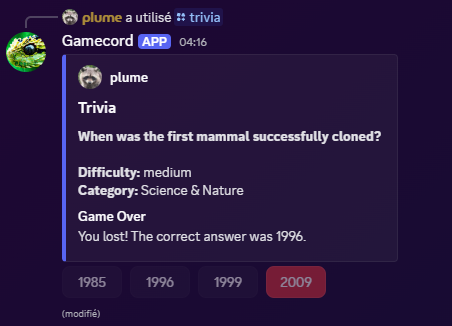
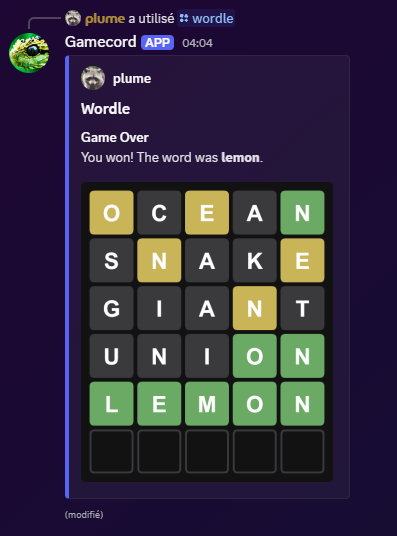
Some previews
Note: every embeds can be fully customized.
Notes
- The module expects you to pass function that will not error. If they do, the games can break (e.g. by never emitting the
endorgameOverevent). - If you don't use
.on("error"), errors will emit anuncaughtExceptionin your process. - Every component custom ID starts with
$gamecord-. - Most games don't need any permissions since they rely on interaction methods. However, if a game is too long (>= 15 mins), the interaction becomes invalid and the bot will need permission to view the channel and edit its messages.
Links
Help
You need help with the module? Ask on our support server!